Spectacular Tigress Image Wins Wildlife Photo Of The Year

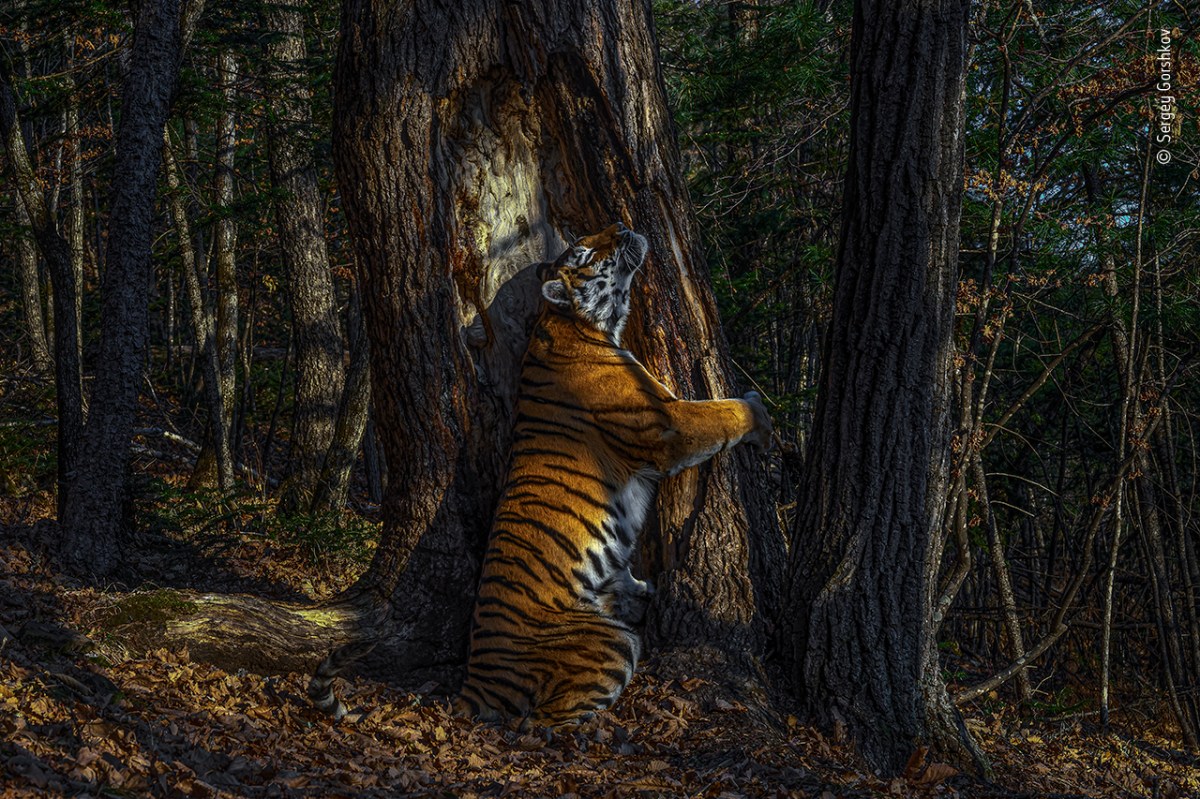
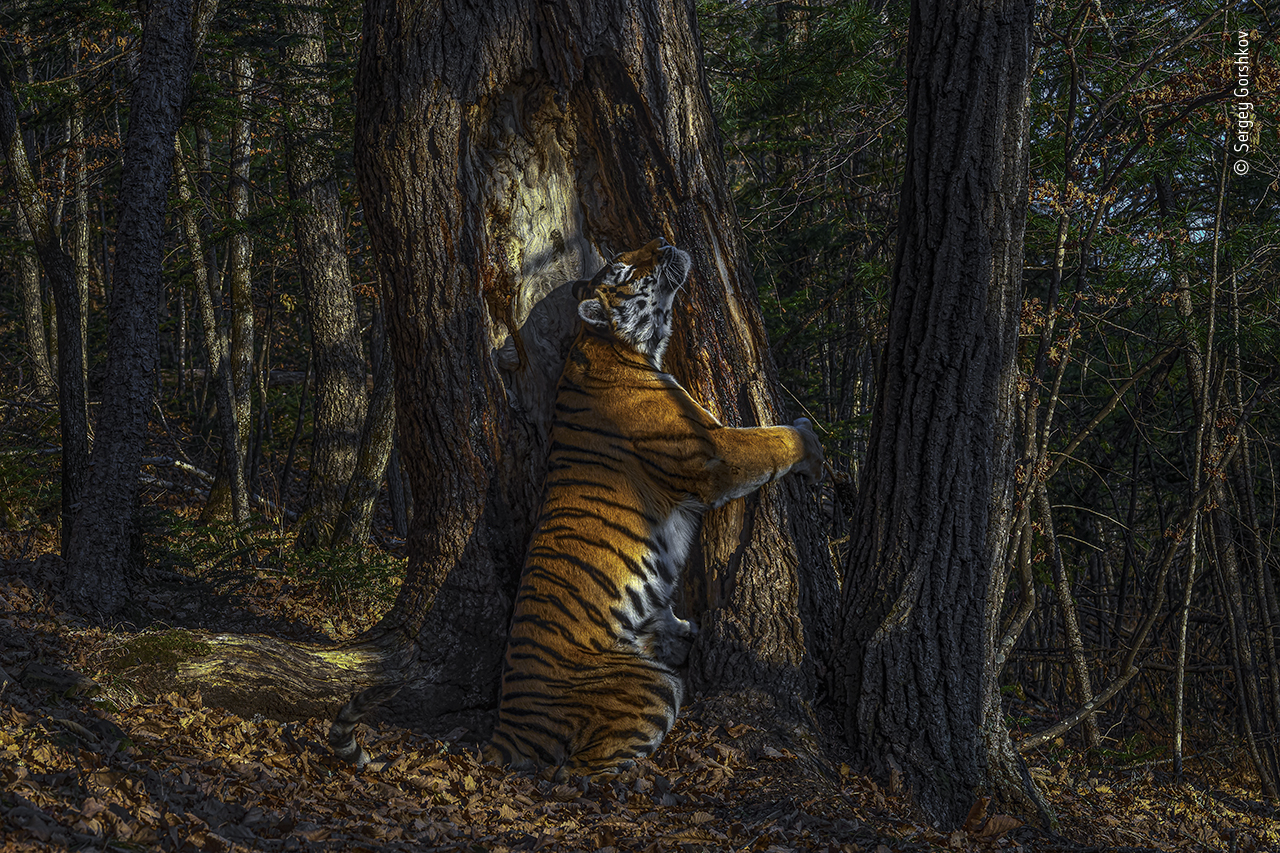
An ethereal photo shows an Amur tigress scent-marking an ancient tree in Siberia.

A photo of a tigress hugging a tree in Siberia has won the prestigious Wildlife Photo Of The Year from London’s Natural History Museum.

Photographer Sergey Gorshkov beat out almost 50,000 other entrants with his winning photograph, taken in Land of the Leopard National Park, a large reserve for tigers and leopards in Far East Siberia.

Gorshkov set up his camera facing a tree that already had claw marks, signaling that it’s been used as a territorial marker by at least one of more than 30 adult tigers in the park.

Sure enough, a tigress stopped to claw new marks on the tree and rub her scent on it, which is the same behavior we see with house cats when they rub on objects — and people — in the home. Cats have scent glands on their faces and paws which allow them to mark objects with pheromones. It’s a cat’s way of leaving a “sign” saying “This is mine.”

The photo has an ethereal quality, with the tigress and tree illuminated by shafts of sunlight poking through the canopy of the ancient forest.

Wild and free Siberian Tiger!

An announcement from the park’s staff describes the scene:

The photo titled “Hugs” shows the moment in which the rarest Amur tiger hugs a century-old fir to mark the target tree with its scent. Sergey Gorshkov, with the support of professional guides from Land of the Leopard, took a picture using a professional camera with a motion sensor.

“This is a scene like no other, a unique look at an intimate moment deep in a magical forest,” said Rose Kidman Cox, chairwoman of the contest’s jury.

The photo “inspires hope” for the endangered Amur tiger, Cox said. In addition to the 30-plus tigers, Land of the Leopard National Park is also home to at least 10 tiger cubs and almost 100 leopards.

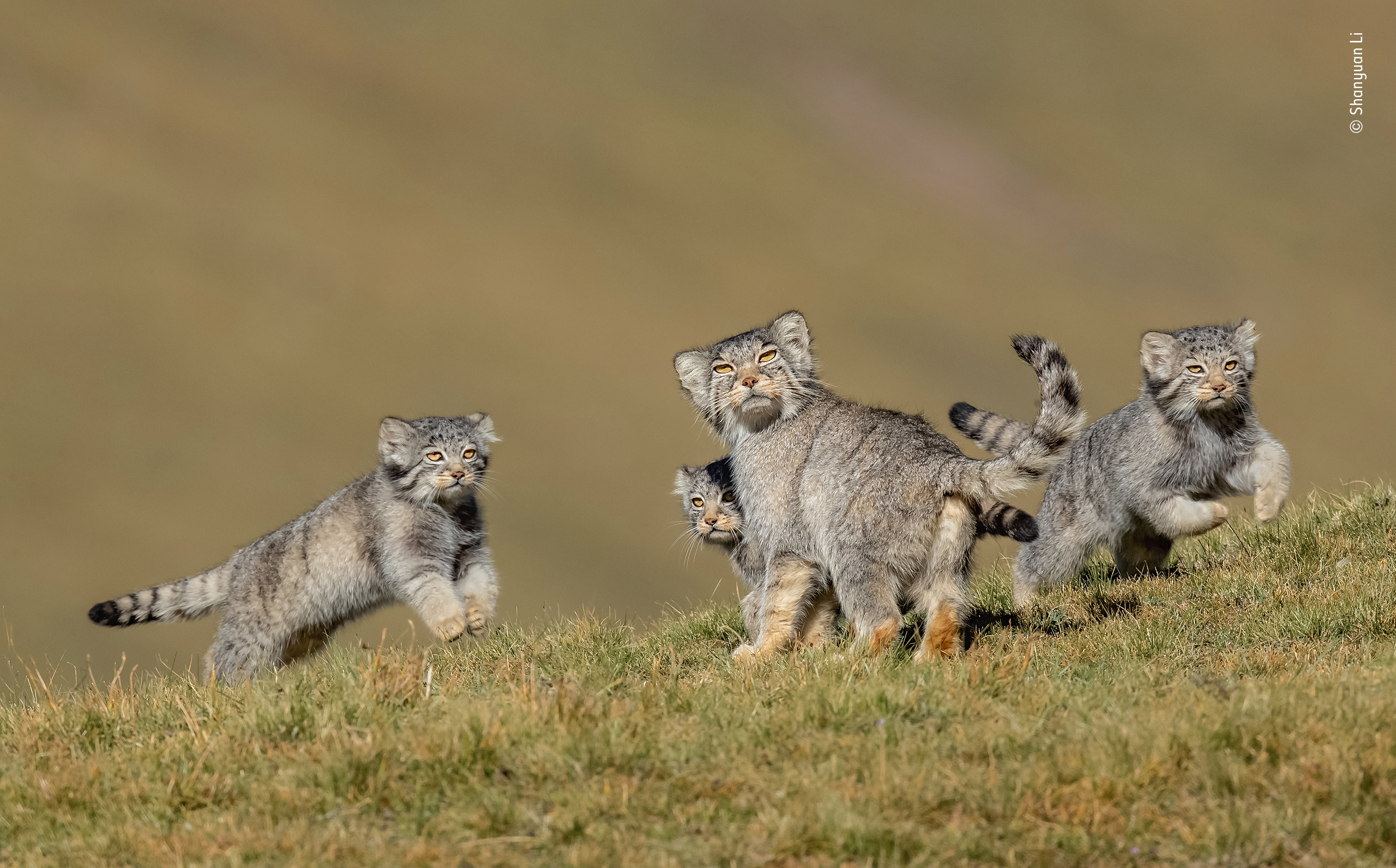
Gorshkov’s photo wasn’t the only feline winner this year. “When mother says run,” a photograph by China’s Shanyan Li, shows a trio of Pallas’ cubs with their mother “on the remote steppes of the Qinghai-Tibet Plateau in northwest China.” The photograph won in the mammalian behavior category.

4b3cafb5-321e-44ba-a7d0-468b2447f9f8


The Unflattering Cat Photo Challenge!

Sharing the derpiest photos of your cat(s) has become the new viral trend.

The hashtag #unflatteringcatphotochallenge has been trending on Twitter and Instagram the past few days, and Buddy’s not one to let an opportunity go by.

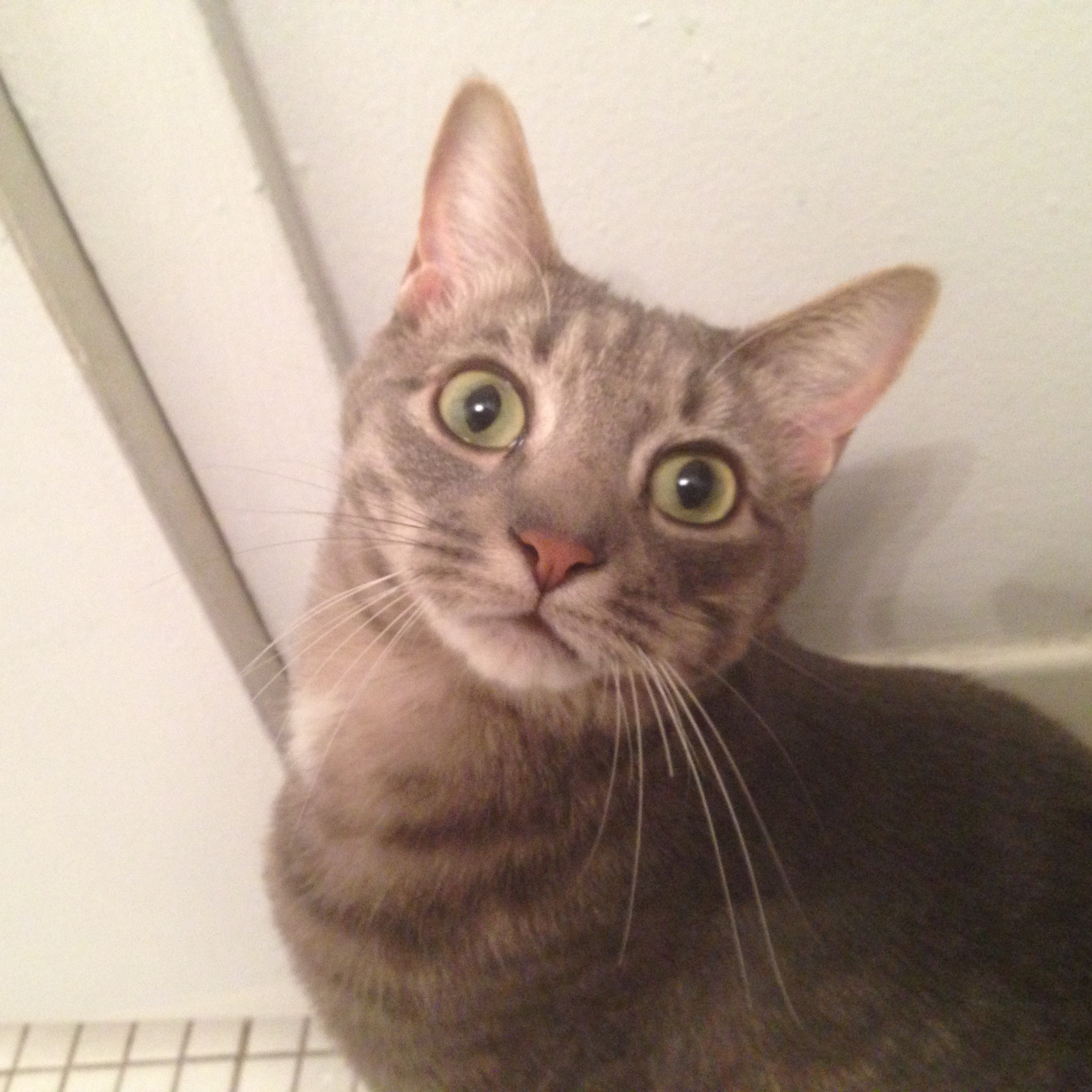
Here’s a derpy and surprised-looking Buddy:

IMG_0492

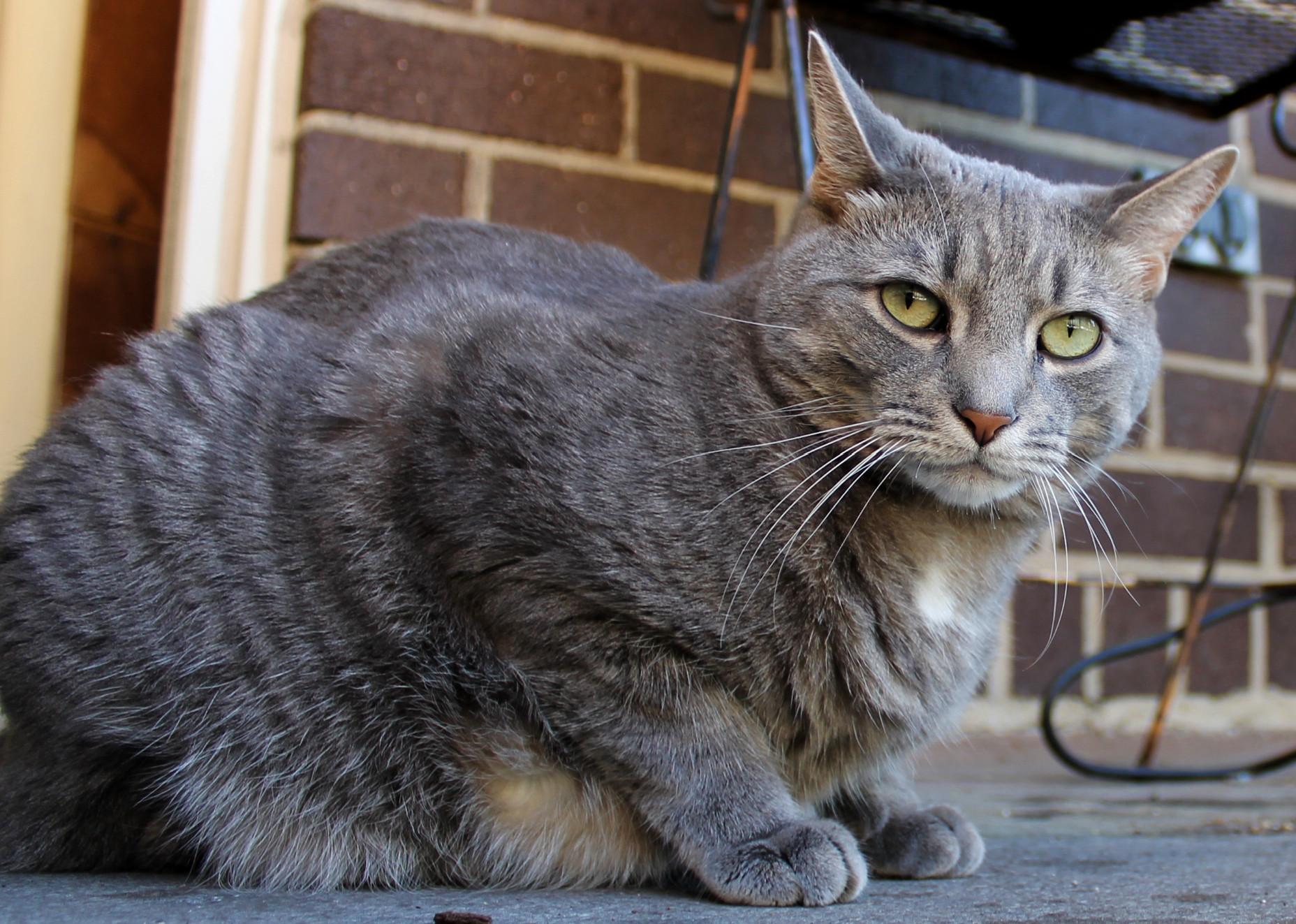
Here’s a loafing, chubby-looking Buddy:

bud_meatloafing

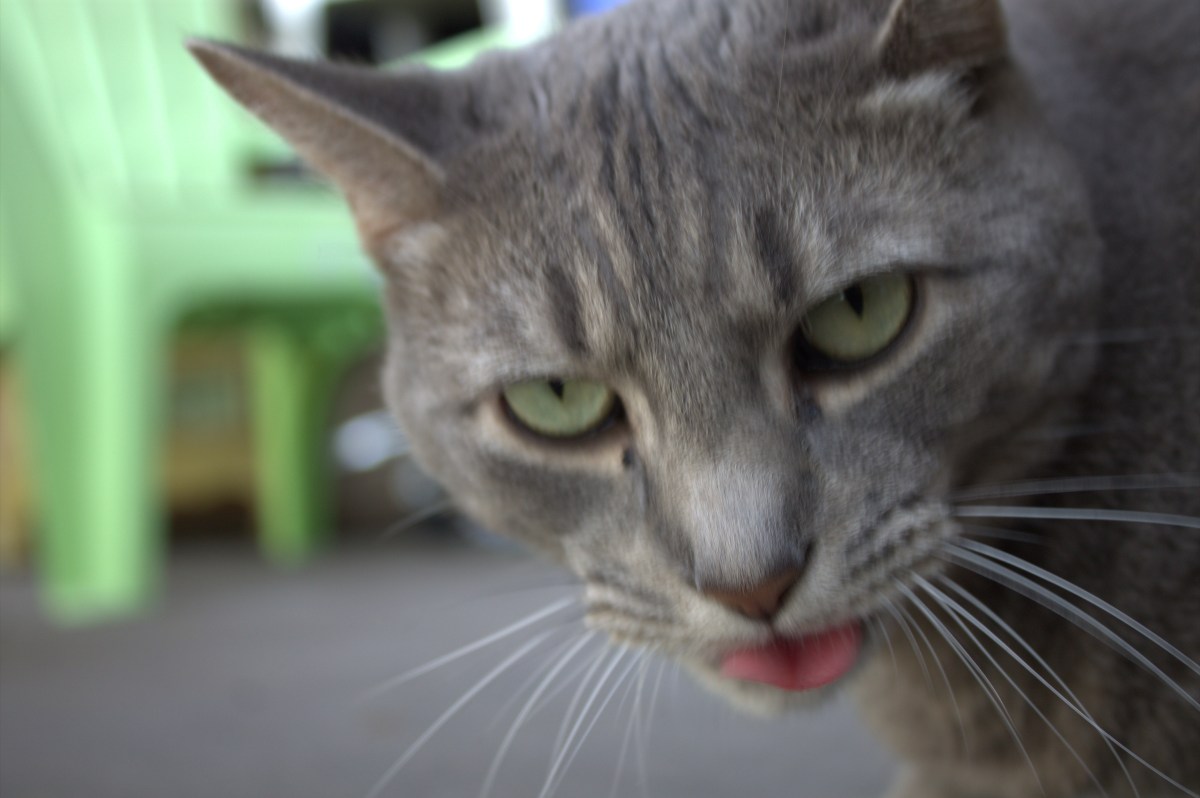
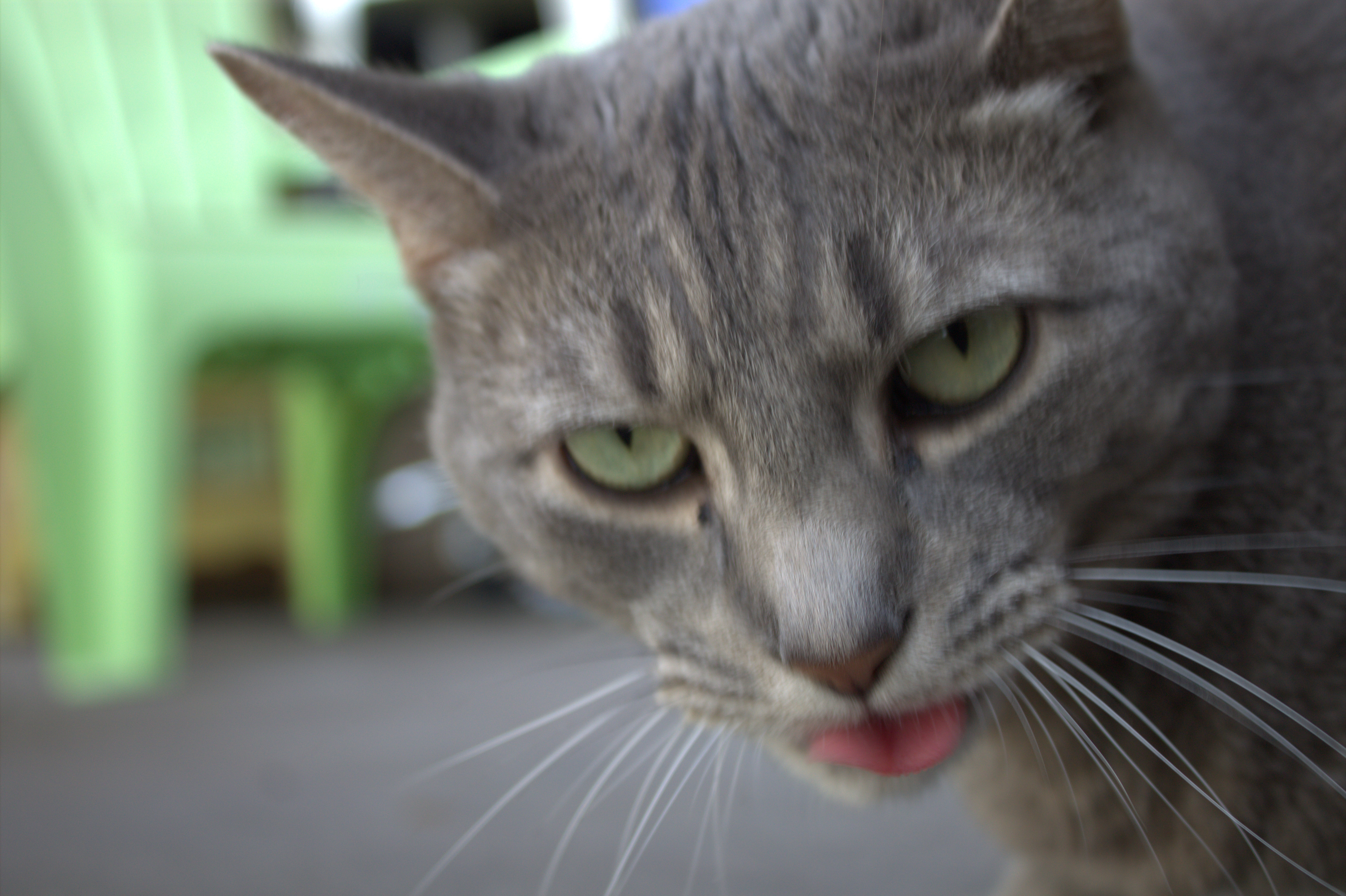
Here’s an out-of-focus, annoyed-looking, panting Buddy:

IMG_4831

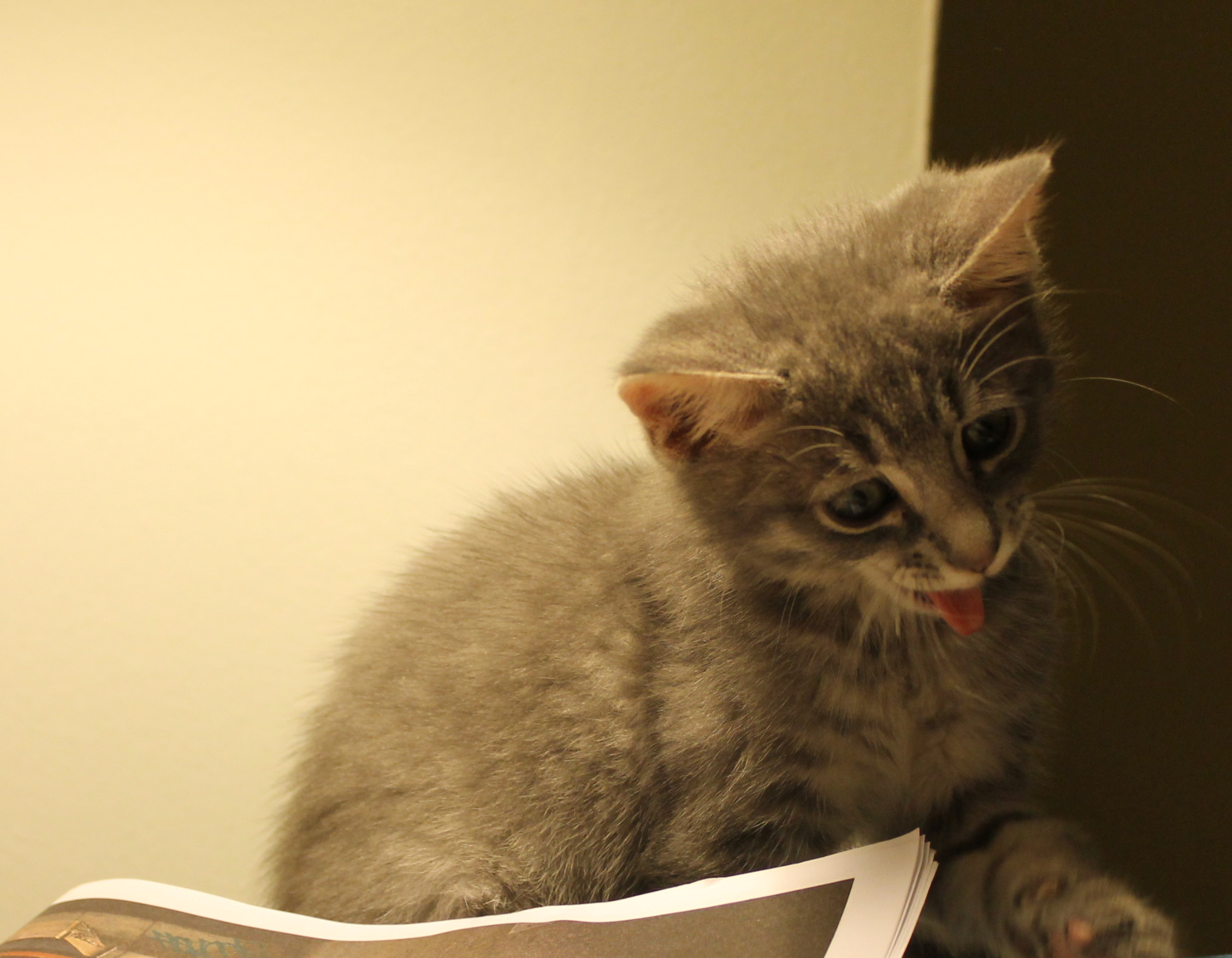
Here’s baby Buddy looking like he’s a strangled muppet:

badbuddy

Cats Are The Monks At This Japanese Temple

Nyan Nyan Ji translates to “meow meow shrine.”

One of the highlights of my trip to Japan last summer was Gotokuji Temple, the famous “cat shrine” in Tokyo’s Setagaya suburb.

Gotokuji is home to thousands of statues of maneki-neko, or “beckoning cat,” an important and ubiquitous image in Japan: Statues of maneki-neko adorn shops and virtually every public place in Tokyo, but Gotokuji is where the legend of the beckoning cat was born. Visitors write prayers on the statues and ask for good luck for a variety of venture, from opening new businesses to getting married.

There is, however, only one current feline resident at Gotokuji, while Kyoto’s Nyan Nyan Ji — literally “meow meow shrine” — is populated exclusively by feline “monks,” who wear monkly garb and take their duties — especially napping, er, meditating — very seriously.

The most recognizable of them is Koyuki, the chief cat priestess at Nyan Nyan Ji.

Here are some photos, all courtesy of the temple’s Instagram, showing what life is like for Koyuki and her fellow priests:

Screenshot_2020-08-12 ねこ地蔵とおる ( nekojizo) is on Instagram(11)

Screenshot_2020-08-12 ねこ地蔵とおる ( nekojizo) is on Instagram(2)
“This is how it’s supposed to be, humans: You kneeling before us. Those ancient Egyptians had it right.”

Screenshot_2020-08-12 ねこ地蔵とおる ( nekojizo) is on Instagram(5)
“I can call upon powerful minions to smite you whenever I please.”

Screenshot_2020-08-12 ねこ地蔵とおる ( nekojizo) is on Instagram(10)

Screenshot_2020-08-12 ねこ地蔵とおる ( nekojizo) is on Instagram(9)
“Tiny humans are permitted to touch my holy personage.”

Screenshot_2020-08-12 ねこ地蔵とおる ( nekojizo) is on Instagram(4)
“And here is the nursery, where it’s currently reading time for our kittens…”

Screenshot_2020-08-12 ねこ地蔵とおる ( nekojizo) is on Instagram(3)
“Walk with me on the path to deliciousness…”

Screenshot_2020-08-12 ねこ地蔵とおる ( nekojizo) is on Instagram(8)
“Read the sign! We’re not open until I says so. Now if you please, I have napping to do.”

Screenshot_2020-08-12 ねこ地蔵とおる ( nekojizo) is on Instagram(7)
Screenshot_2020-08-12 ねこ地蔵とおる ( nekojizo) is on Instagram(13)
Screenshot_2020-08-12 ねこ地蔵とおる ( nekojizo) is on Instagram(12)
Screenshot_2020-08-12 ねこ地蔵とおる ( nekojizo) is on Instagram(4)


Time Capsule Reveals 120-Year-Old Photos Of A Little Girl’s Beloved Cats

Captured by antique cameras using a process almost 200 years old, the photographs prove people have always loved taking photos of cats.

The young French girl placed her most precious items in an elaborately decorated antique box — among them a personal letter, old coins, a sea shell, a compass and two glass negatives.

French photographer Matheiu Stern, who discovered the accidental time capsule earlier this year, used a vintage technique to develop the plates and reveal the images they contained: A photo of a small tabby cat posing on a door step, and another of the same tabby with a kitten and a gentle-looking dog.

The process Matheiu used is called cyanotype, and as its name implies, it renders everything in a blueish scale rather than grayscale or color. The process was popular for most of the 19th century before it gave way to newer and more accurate photography methods, but it was used long after that as a cheap method of reproducing architectural schematics, thus the name “blueprints.”

The photographs have the unmistakable hue of the process used to develop them, and show the people of the 19th century bonded with their cats just as we do.

They also prove that people have always loved taking photos of cats, and the ubiquity of cat images on the Internet was inevitable. Resistance always was futile:

FF00E5B9-8010-4A85-9EFD-D75A157FB38C
D5DB1988-158D-4E4C-BE39-0FC1CF5D31E4

How To Take Better Photos Of Your Cat

How to do justice to your feline overlord with photographs.

As some of our readers know, I spent the first years of my professional career as a crime reporter, covering everything from murders to mall shooters, plane crashes and freak accidents.

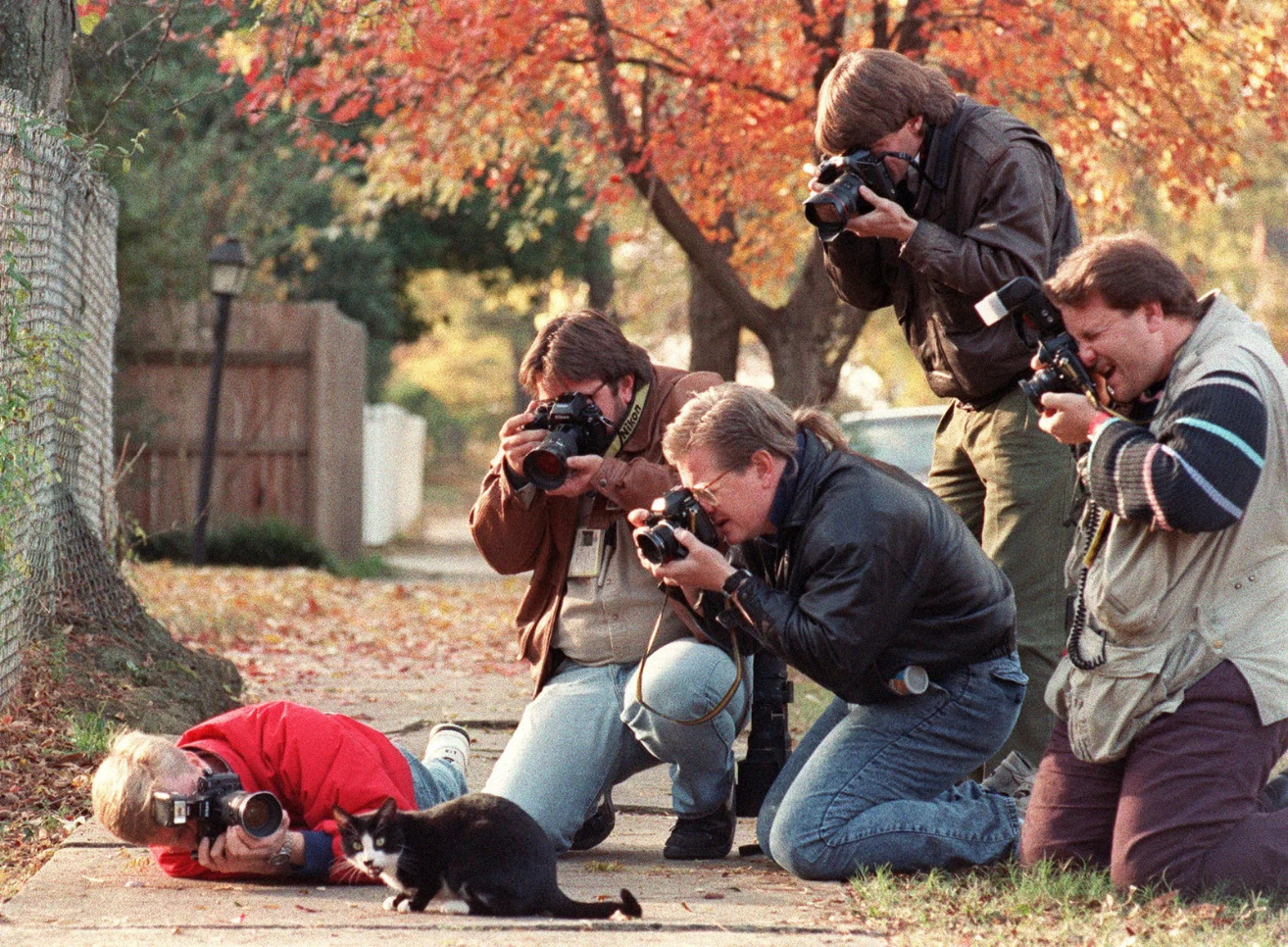
One of the perks of the job — aside from seeing some truly crazy and bizarre things up close — was getting to work side-by-side with amazing photojournalists.

I watched how they handled themselves, what they were willing to do to get their shots and how they captured the essence of a story in just one or two frames.

It turns out photographing cats isn’t much different from capturing random moments of life. Our furry friends are unpredictable, they tend to shy away from the camera and they won’t wait for you to get the shot.

Some of this advice is general and some of it is cat-specific. I’m certainly no professional and I’m always learning, but I hope you can put some of the lessons I’ve learned to good use getting better shots of your own little buddies:

Let kitty forget about the camera

Cats are famously curious, and a shiny new thing must be investigated. As far as kitty is concerned, the best way to investigate is to pad right up to it, rub her cheeks against it, maybe bite the camera strap. You know, the standard stuff.

Let your cat do what she needs to do. If you don’t let her do her thing, the camera could become an item of intrigue, but let her sniff and bunt it a few times and she’ll quickly forget about it. A camera, after all, is clearly not as awesome as a cardboard box, a milk bottle cap or a treat.

When your cat decides to ignore your camera, you can start taking pictures. Which brings us to our next tip…

Distract the little ones with toys

Cats won’t pose for us, but that doesn’t mean we can’t nudge them toward particular actions or postures. Dangling a good wand toy or ball is a great way to get your cat to look at the camera or reach out. Want an action shot? Set a fast shutter speed and toss a ball or a bottle cap.

Catnip and treats, when used strategically, can also help you get the shot you want.

Walter Chandoha
Walter Chandoha, who was known for his playful photos of felines, uses a ball to distract a cat while snapping shots.

Use your smartphone for shots of opportunity

We’ve all been there: You’re sitting on your couch reading a book or watching a movie when you look over and realize your kitten looks adorable sleeping on his back, or your adult cat is striking a majestic pose…but you don’t have your camera.

The second you get up your cat is going to shift or get up to follow you, and the shot is gone.

For those fleeting opportunities keep your smartphone to hand and configure it so you can pull up the camera with a single button push: No passwords, no navigating to the app. Both iOS and Android can be configured to reach the camera quickly. (In most versions of iOS, for example, simply swipe from right to left on the lock screen to get the camera. In Android, double tap the power or home button.)

Below is one of my favorite photos of Buddy taken in a moment of opportunity with an iPhone. It may not be the kind of ultra-sharp image captured by a pro camera, but as one commenter put it, Buddy looks like he’s “radiating love.” I’d rather have a smartphone shot than no shot any day:

E7884E52-7414-408A-BE20-4942FB739228

Choose the right setting

Unless they’re sprawled out in an ecstatic nip haze or curling up for a post-dinner nap, cats are usually moving. Unfortunately, your cat is not going to hold a pose for you while you fumble with the settings.

Whether you’re photographing a kitten with limitless energy or an adult who’s just doing his thing, you’re going to want a fast shutter speed — something in the neighborhood of 1/1,000 of a second to avoid blur and capture crisp images of motion.

If you’re not comfortable changing the settings manually, use the sports/motion preset on your camera.

Get up close, on the floor and use a proper zoom lens

Too many cat photos look like they could double as interior home photos that just happen to have a cat in them. If you’re shooting from eye height and your cat is a tiny smudge of fur in the center of the shot, you can do so much better.

Bring yourself down to your cat’s level and either shoot up close or use your zoom.

If you’re using a smartphone or a point-and-click, you’re going to want to get close because digital zoom is worthless: The camera doesn’t actually zoom, it simply displays the view at a larger size. You’re not capturing more detail. That’s why the quality decreases the more you “zoom” and the image becomes pixelated.

If you’re using a Canon, a Nikon or some other brand of dedicated camera, you have the advantage of a true optical zoom that does capture more detail. It can be useful for keeping your distance — and thus avoiding potentially distracting the cat — and for playing with perspective.

cat-photo-tips-main
Get down to your cat’s level and don’t be afraid to move in close to get the best shot. (Credit)

Crop judiciously

Shooting in ultra-HD JPG or RAW means you’re capturing more detail with each shot, giving you the option of heavily cropping photographs so your subject dominates the scene without degrading the image quality.

Here’s a raw photograph of Bud on my balcony with clutter in the background and uneaten treats on the ground that could be mistaken for turds or something, and the same image cropped close:

The cropped version puts the focus squarely on His Grace and cuts out most of the distracting junk. Along with a simple tweak to the color levels — giving definition to the shadows and creating better contrast — the photo is improved and its subject appear more vivid.

Cropped Cat Photos
Cropping can make a dramatic difference in your photos. (Credit)

Don’t sweat imperfections

You may have noticed Buddy almost always has gunk in the corner of his eyes. (Just like humans, some cats produce more of it. It’s not a threat to his health.) He’s not fond of me trying to remove it. Early on I attempted to Photoshop the eye gunk out of his shots. Not only was it a lot of work, but it was very difficult to remove it without the photo looking wrong.

I decided to just let it go, thinking people would see it right away, but I’ve never even gotten a single question or comment about it. Nobody’s perfect, not even the Budster. (Shocking, I know.)

Avoid the temptation to go all Instagram-y with filters

There isn’t a camera app these days that doesn’t come loaded with Instagram-style filters to “improve” your photos. I strongly recommend resisting the urge to use them and instead take the time to learn how to filter your photos manually with Photoshop or a free alternative like the browser-based Photoshop clone, Pixlr.

The vast majority of Instagram-style filters are simply presets of the most extreme color, contrast and saturation sliders available. They degrade the image, stripping it of detail and making it look like every other photo on that platform, like autotune for images.

That’s all for now. Next time we’ll take a look at how to apply some basic filters to your photos to emphasize shadow and light, and make colors pop the way they should. Check back for part two in the weeks ahead, and thanks for reading!